

Workspace settings
Settings → Workspace holds what applies to the whole workspace: your brand, standing instructions for the AI, and the region and time zone. Admins can change them; everyone else sees their effect.
Brand
The name and logo head the reports you send out: emails, PDF exports, share links, and embeds. The accent color styles links and highlights in emails and PDFs. It does not color charts; use the output style for that.
AI instructions
Two fields, each up to 4,000 characters, written in plain language.
| Field | What goes in it | Who reads it |
|---|---|---|
| Instructions | Who you are and how you work: your hotels, house rules, what to leave out | Chat, the report builder, and agents |
| Output style | How results should look: formats, naming, chart colors | Chat, the report builder, and agent runs, for reports, emails, and anything else sent out |
A request in a conversation or an agent's own instructions can still ask for something different. The output style is the default, not a lock.
Example output styles
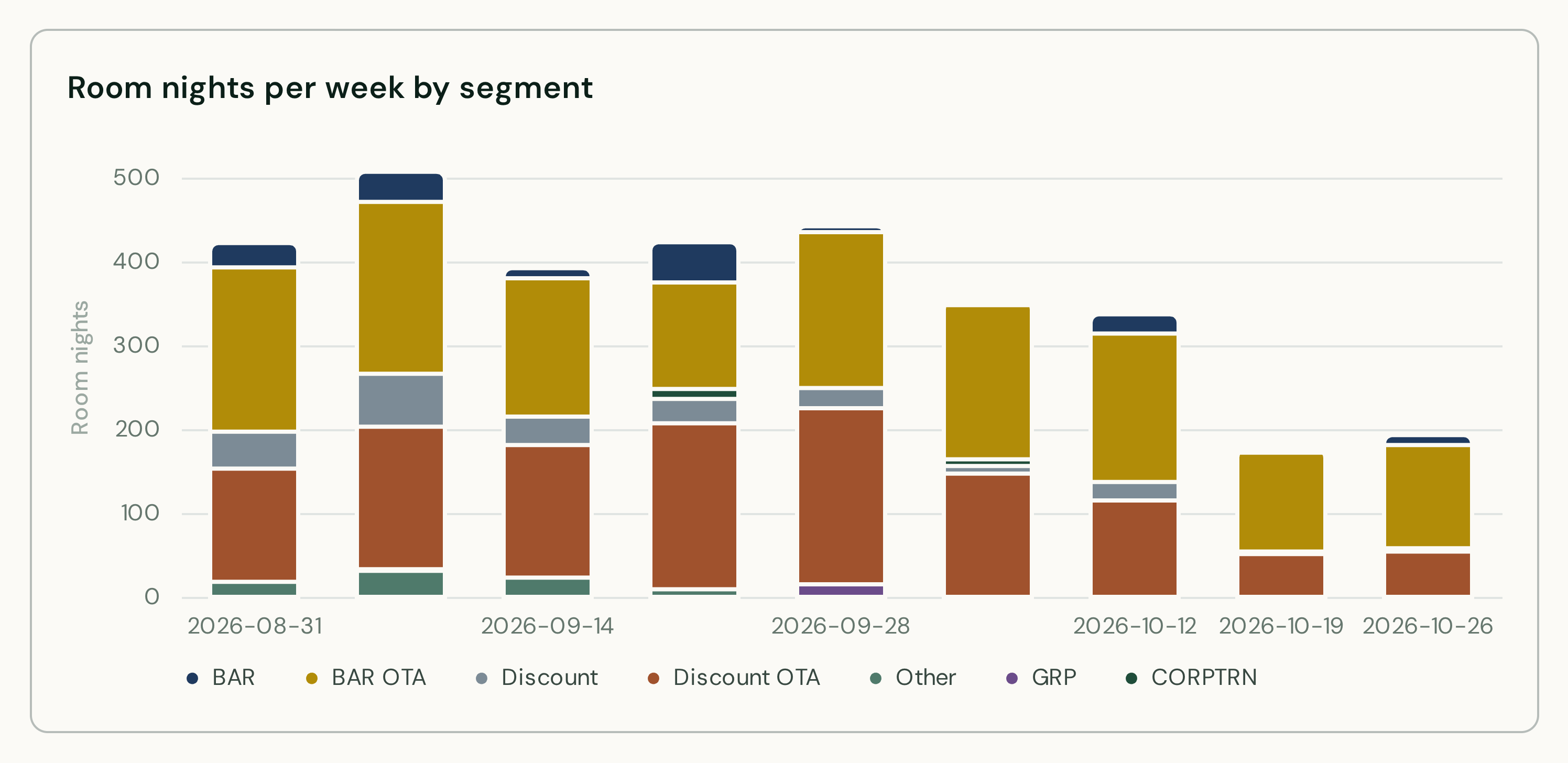
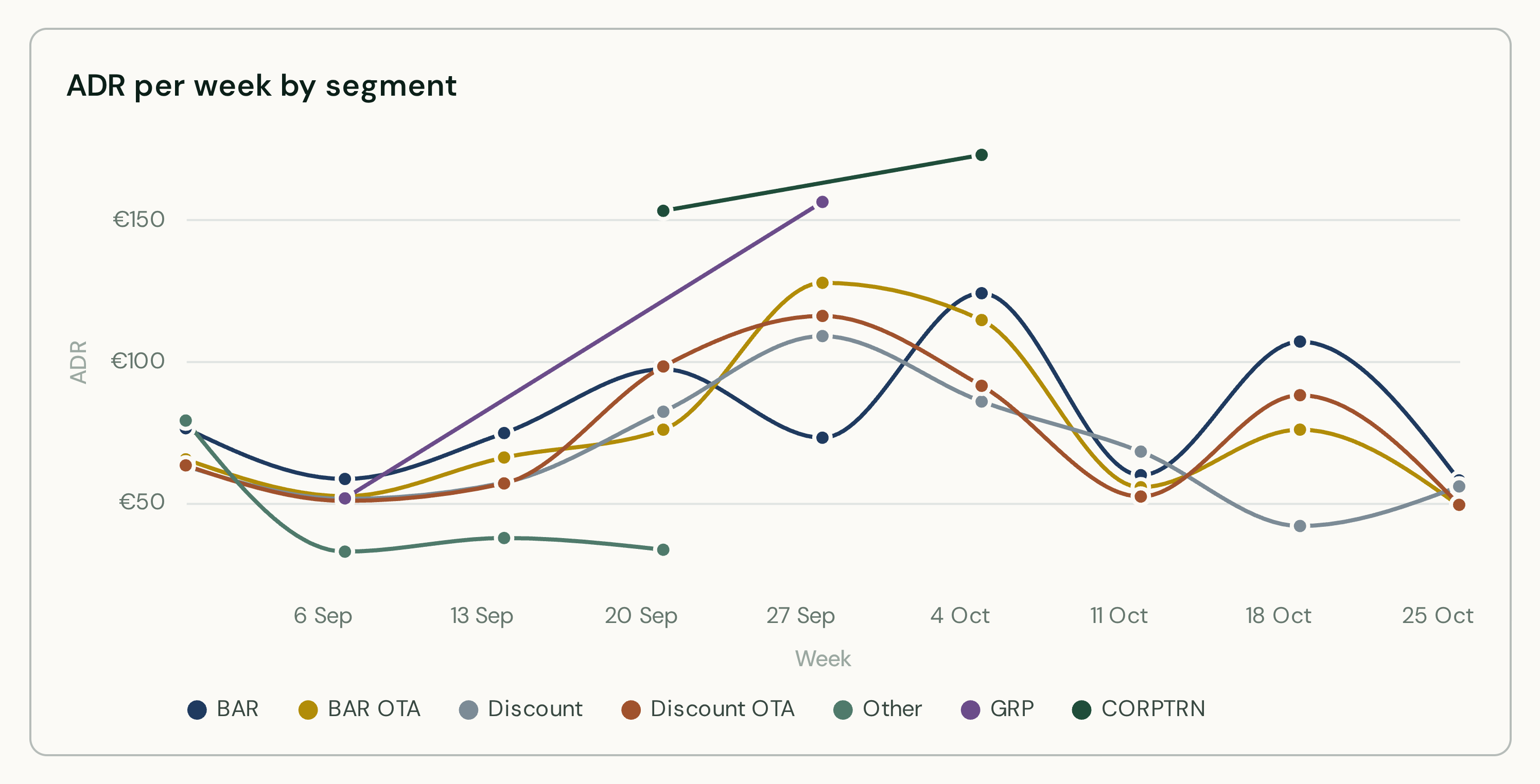
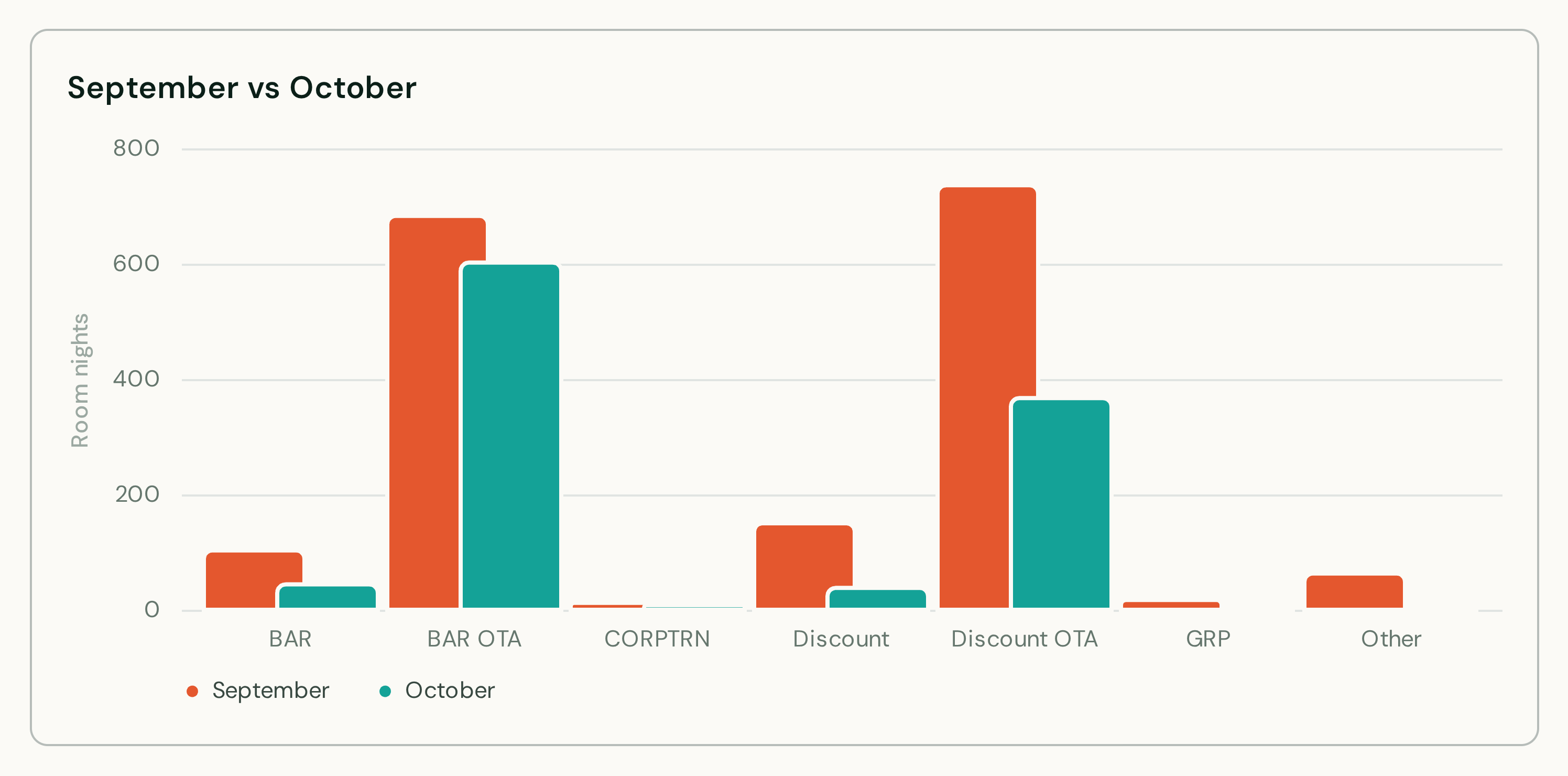
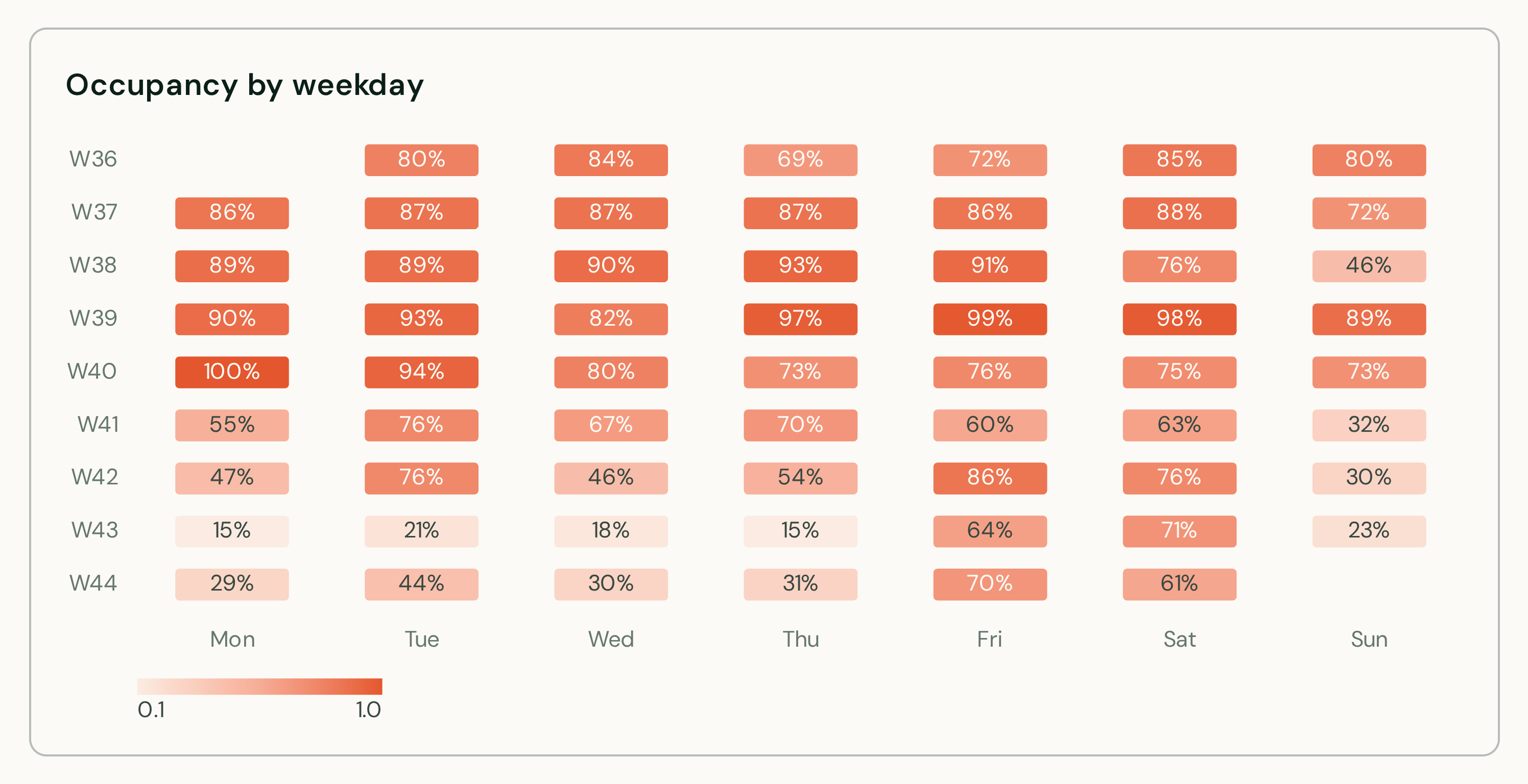
The report builder colors every chart it builds or edits with your palette instead of the default green, in the order you gave. Two examples, each written into the Output style field:
Muted navy and gold
Write room numbers as 3 digits (012, not 12). Name hotels by name, never by property ID.
Chart colors, in this order: #1F3A5F, #C9A227, #7C8B96, #A0522D, #4F7A6B, #6B4C8A.
Bright and warm
Call our guests "guests", never "customers". Keep chart titles under five words.
Chart colors, in this order: #E4572E, #17A398, #F2A900, #3B1F2B, #7FB800, #5B8DEF.
A few things to know about chart colors:
- Give them as hex codes (
#1F3A5F), up to twelve. Charts with more series than colors continue with the default palette, like the seventh segment (dark green) in the navy and gold charts. - Colors that would be hard to read are adjusted slightly: darkened on light cards, lightened on dark ones. The gold above is a little darker than entered.
- Existing reports keep their colors until the builder edits them. Open a report in the builder and ask it to apply your chart colors; the next run shows them everywhere the report goes.
Region and time zone
Both are chosen when the workspace is created and cannot be changed afterwards. See Workspaces and billing accounts.